
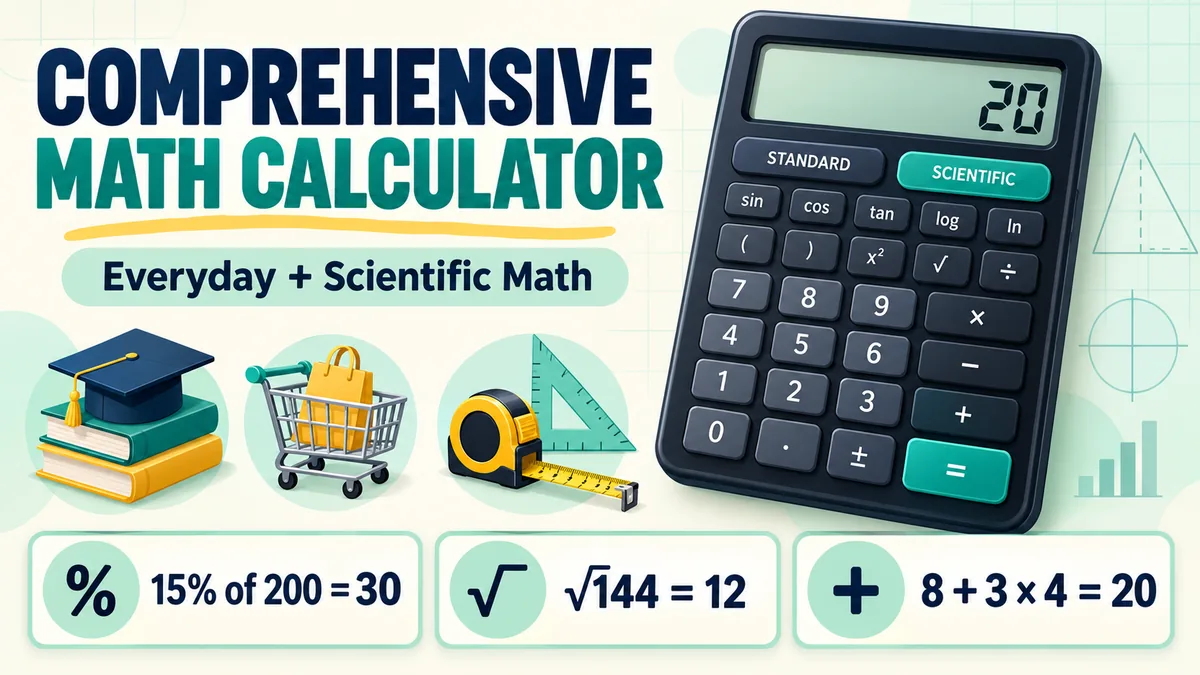
Percentages, fractions, powers, and long expressions can take longer to enter and check than they take to solve. A comprehensive math calculator brings common and scientific functions into one place, so you can work through a problem and review the result.
Quick answer: The calculator on this page includes Standard and Scientific modes, percentages, powers, roots, trigonometry, logarithms, memory, and recent calculation history. Use it below, then follow the examples in this guide to check your inputs.
It works for homework checks, shopping, measurements, and everyday calculations. The key is entering the expression correctly and knowing what the answer means.
Calculator Features at a Glance
| Mode or feature | Useful for | Example |
|---|---|---|
| Standard mode | Everyday arithmetic and percentages | 15% of 200 |
| Scientific mode | Powers, roots, trigonometry, and logarithms | √144 or sin(30°) |
| Memory and history | Reusing or reviewing recent work | Recall a saved value |
What Is a Comprehensive Math Calculator?
A comprehensive math calculator is a digital tool that handles more than basic addition, subtraction, multiplication, and division. Depending on the features provided, it may also calculate fractions, percentages, powers, roots, and expressions that include several operations.
A mathematics calculator can be useful for checking homework, comparing prices, estimating quantities, or reviewing a calculation at work. It does not decide which operation a problem requires. You still need to identify the information in the question and enter it correctly.
Common Calculations You Can Do
A well-rounded math calculator may support several kinds of calculations:
- Basic arithmetic: Add, subtract, multiply, and divide numbers.
- Percentages: Find a percentage of an amount, calculate a discount, or compare a change.
- Fractions: Add or multiply fractions and convert between a fraction and a decimal, if supported.
- Powers and roots: Calculate values such as 5² or √196.
- Mixed expressions: Work with more than one operation while following the correct order.
- Decimals: Carry out calculations with decimal values and inspect the displayed precision.
How to Use a Mathematics Calculator
Follow these steps to reduce entry errors:
- Read the full problem. Identify the numbers, units, and result you need.
- Choose the operation. Decide whether the question asks for a total, difference, product, ratio, percentage, or another result.
- Enter the expression in order. Use parentheses where needed to show which values belong together.
- Check the display. Look for missing digits, an incorrect sign, or a misplaced decimal point.
- Calculate and review. Ask whether the answer is reasonable and whether it has the right unit.
- Keep enough precision. Avoid rounding intermediate results unless the problem tells you to.
For example, if a product costs $80 and is discounted by 15%, first calculate the discount: 80 × 0.15 = 12. Subtract that amount from the original price: $80 − $12 = $68 before tax. Entering 80 − 15 would subtract $15, not 15 percent, so converting a percentage to a decimal is an important step.
Understanding Order of Operations
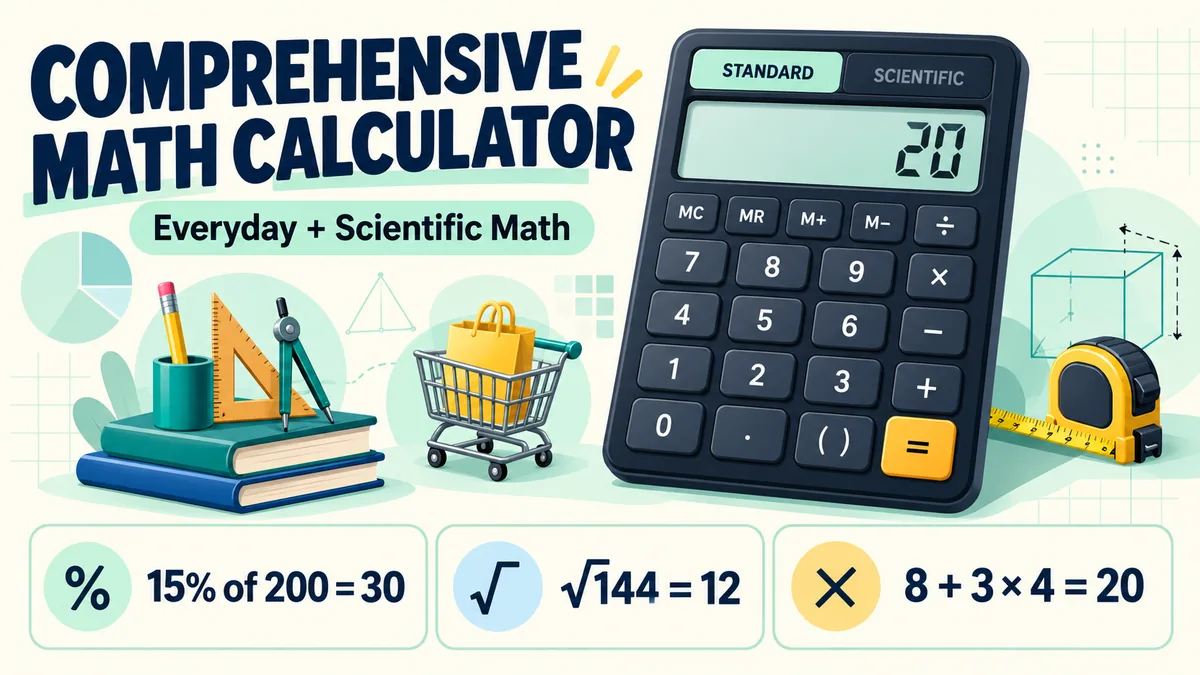
When an expression contains several operations, the order matters. A common rule is PEMDAS: parentheses, exponents, multiplication and division from left to right, then addition and subtraction from left to right. Multiplication does not always happen before division; when both appear together, work from left to right.
Consider 8 + 3 × 4. Multiplication comes before addition, so calculate 3 × 4 first. The result is 8 + 12 = 20. If you mean to add 8 and 3 before multiplying by 4, enter (8 + 3) × 4, which equals 44.
Percentages, Discounts, and Changes
Percentages express a part of 100. To find a percentage of a number, convert the percent to a decimal and multiply. For example, 18% of $240 is 0.18 × 240 = $43.20.
For a discount, subtract the discount amount from the original price. An 18% discount on $240 gives a sale price of $240 − $43.20 = $196.80, before tax. A quick check: an 18% discount should leave 82% of the price, and 0.82 × $240 also equals $196.80.
To estimate monthly CD interest as income, divide the annual interest by 12. For example, $100,000 at 4.50% produces about $375 a month before taxes if interest is paid out instead of compounded. Use our CD monthly payout calculator to check a different deposit and rate.
To find a percentage change, subtract the original value from the new value, divide the difference by the original value, and multiply by 100. If a monthly bill rises from $50 to $55, the increase is $5 ÷ $50 × 100 = 10%. Use the original value as the denominator; dividing by the new value would answer a different question.
Fractions and Decimal Values
Fractions represent parts of a whole. For addition and subtraction, the fractions need a common denominator. For example:
3/4 + 2/3 = 9/12 + 8/12 = 17/12 = 1 5/12
A calculator with fraction functions may show the result as an improper fraction, a mixed number, a decimal, or more than one form. If it only accepts decimals, 3/4 is 0.75 and 2/3 is approximately 0.6667. Adding rounded decimals gives approximately 1.4167, while the exact fraction is 17/12. That small difference is due to rounding the decimal representation of 2/3.
Powers, Roots, and Scientific Functions
A power shows repeated multiplication. For example, 5² means 5 × 5, which equals 25. The square root reverses squaring: √196 = 14 because 14 × 14 = 196.
Some mathematics calculators include scientific functions such as trigonometry or logarithms. These functions can depend on settings. For trigonometry, confirm whether angles are in degrees or radians. A correct input with the wrong angle mode can produce a result that looks plausible but is incorrect for the problem.
Everyday Examples
Splitting a bill
A $72 meal shared equally by four people costs $72 ÷ 4 = $18 per person before any tip. If the group adds a 20% tip, calculate $72 × 0.20 = $14.40. The total bill is $86.40, or $21.60 per person if split equally.
Checking a target amount
If 30% of a savings goal is $45, divide 45 by 0.30 to find the full goal: $150. To check, calculate 0.30 × $150 = $45. A reverse calculation is a useful way to catch entry errors.
Estimating CD growth
If $10,000 earns a fixed 4.50% APY for three years and compounds annually, enter 10,000 × (1 + 0.045)^3. The result is about $11,411.66, including roughly $1,411.66 in interest. This example assumes the rate stays fixed and no money is added or withdrawn. For a deposit, APY, and term estimate, use our CD rate calculator. You can also read the full $100,000 CD earnings breakdown.
Accuracy: Decimals, Rounding, and Units
A calculator can return many decimal places, but that does not mean every digit is meaningful. The precision of your result depends on the values you entered and the purpose of the calculation. For a grocery discount, cents may be enough. For a measurement or science problem, follow the required significant figures or rounding rule.
Keep units with your numbers. Adding 3 feet to 2 meters is not meaningful until both measurements are converted to the same unit. Multiplication and division can also change units: feet multiplied by feet gives square feet, while miles divided by hours gives miles per hour.
If a result seems too large or too small, estimate it another way. For instance, 19% of $200 should be slightly less than $40. If your calculator displays $380, check whether you entered 190% or misplaced a decimal point.
Common Calculator Mistakes to Avoid
- Entering a percent as a whole number: Use 0.15 for 15% when multiplying, or use the percent key if the calculator handles it as expected.
- Forgetting parentheses: Group the values that should be calculated together.
- Rounding too early: Keep extra digits during intermediate steps, then round the final answer.
- Mixing units: Convert lengths, weights, times, or currencies to compatible units before calculating.
- Misreading the sign: A negative value can change the meaning of a result.
- Trusting an unreviewed result: Confirm that the input matches the original problem and the answer is reasonable.
Choosing the Right Calculator for the Task
For shopping, bills, and basic homework, arithmetic, percentages, fractions, and parentheses may be enough. Algebra and science may require powers, roots, trigonometry, or scientific notation; graphing and symbolic equations need tools designed for those tasks. Check a calculator’s features and display before relying on it, and avoid entering personal details it does not need.
Final Thoughts
A comprehensive math calculator can make everyday calculations faster and help you check your work. Its usefulness depends on entering the expression correctly, understanding order of operations, keeping units consistent, and choosing sensible rounding. Treat the displayed result as a calculation to review, not a substitute for understanding the problem.
FAQs
What is the difference between a basic and comprehensive math calculator?
A basic calculator usually handles addition, subtraction, multiplication, and division. A comprehensive math calculator may also include percentages, fractions, powers, roots, and other functions, depending on the tool.
Can a mathematics calculator solve word problems?
It can calculate the result after you translate the words into a mathematical expression. You must decide which values and operations match the question.
Why does my calculator show a different answer?
Common causes include missing parentheses, a different order of operations, rounding, an incorrect sign, or a setting such as degrees versus radians. Review the expression and calculator mode.
Should I round every answer?
No. Keep full precision during intermediate steps when possible. Round the final result according to the instructions, measurement context, or level of precision needed.
Can I use a calculator for schoolwork?
That depends on your teacher, assignment, and exam rules. Use a calculator when permitted, and make sure you can explain the method as well as report the answer.
free CD Rate Calculator.
1 thought on “Comprehensive Math Calculator: A Simple Guide to Solving Everyday Problems”
Comments are closed.